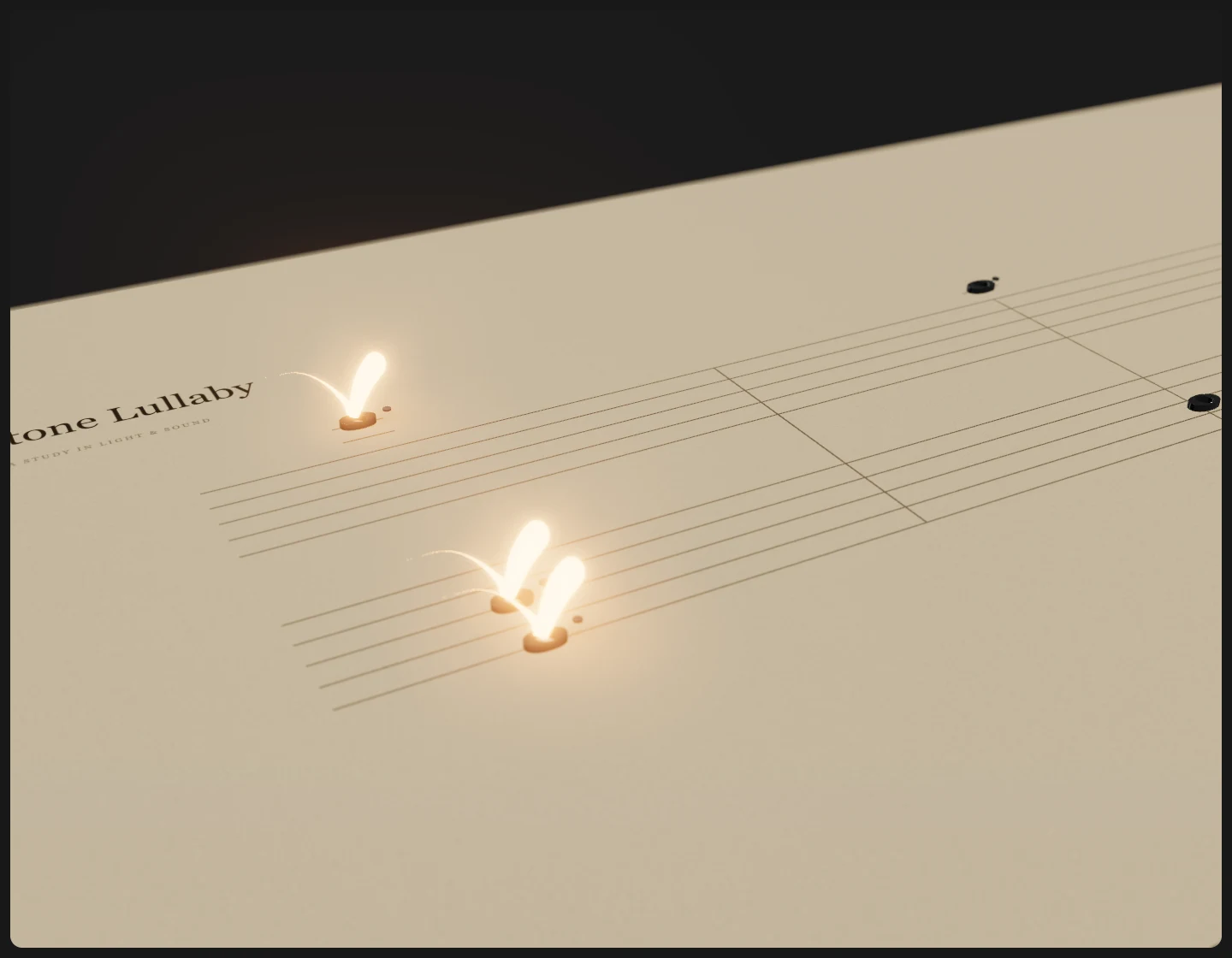
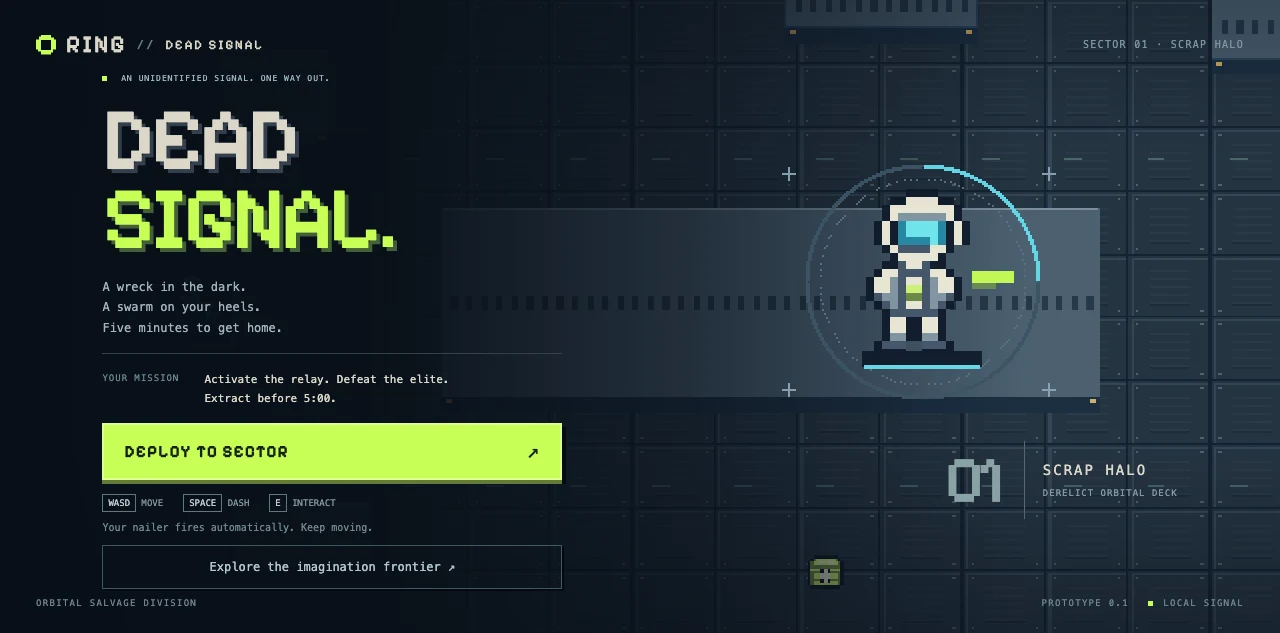
Shaders.
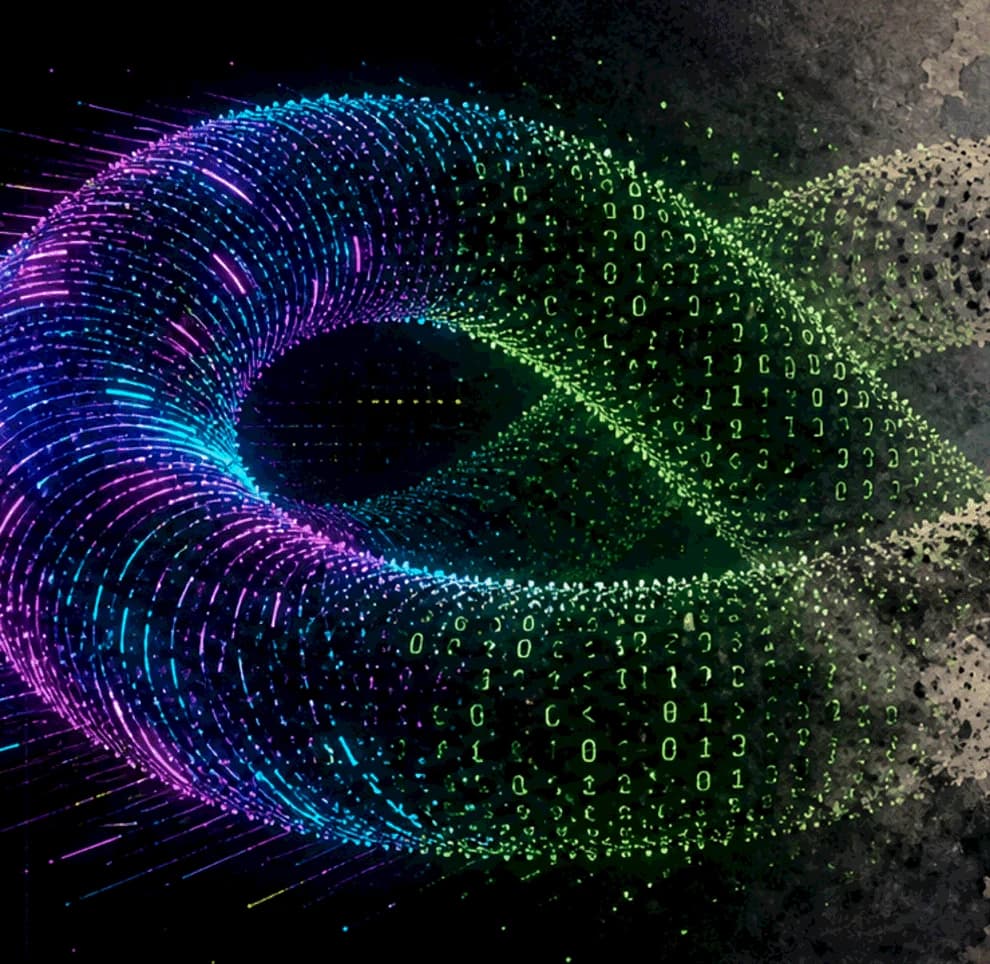
A field guide to light, particles, and code.
Echoes Shaders is an open-source collection of real-time graphics experiments. Aurora light, an animated waveform, dissolving typography, and sculptural point clouds each have a live study you can change and inspect. It is a place to enjoy the image, then follow the decisions that make it move.
Explore the shadersOne idea, several ways to see it
The collection moves from broad fields of color to individual points. Aurora Field layers light through procedural noise; Morphing Echoes Title turns letters into a shifting constellation. Stylized Point Field keeps the underlying shape stable while Cyberpunk, Matrix, and Ink wash presets give it distinct surfaces. Changing a preset makes the relationship between geometry and appearance visible.
An image you can take apart
Each study pairs its live canvas with readable GLSL, source provenance, and notes on the rendering process. Playback, quality, and effect-specific controls let you isolate a moment or compare different settings. The live Three.js renderer uses TSL for WebGPU and can fall back to WebGL2, while the extracted GLSL remains available to read and learn from.
Bring a shape of your own
Point-Cloud Materialization and Stylized Point Field can use a self-contained GLB from your computer. The browser samples its surface into a field of points, giving a familiar model a different sense of weight and texture. Processing stays in the tab. Materialization preserves vertex and base-material colors; it does not reproduce texture maps.
Find your way in.
Choose a study
Open the shader collection and browse by visual family or input. Start with Aurora Field for light, Morphing Echoes Title for typography, or Stylized Point Field for material experiments.
Change one thing
Compare presets, pause the animation, or adjust the controls available in that study. In Voice Wave Particles, move the level, bass, mid, and treble sliders to see how each changes the image.
Follow the source
Read the implementation notes beneath the demo, switch between source files, and copy the GLSL. The linked public repository includes the runtime and procedural geometry as well as the shaders.
A few things to know.
Do I need to code to explore the shaders?
No. Every study runs in the browser with visible controls. The source and implementation notes are there when you want to understand how the effect works.
Does the audio visualizer use my microphone?
No. Voice Wave Particles uses generated audio control signals and manual frequency sliders. It does not request microphone access or record sound.
Can I use my own 3D model?
Yes. The two model-driven point studies accept a self-contained GLB and process it locally in your browser. The model is not uploaded or saved by the site, and refreshing restores the built-in shape.
Is the shader source available?
Yes. The project is open source under the MIT License, with third-party notices included in the repository. Each study provides readable source alongside its live demonstration.