Bottles.
Give a photograph a place of its own.
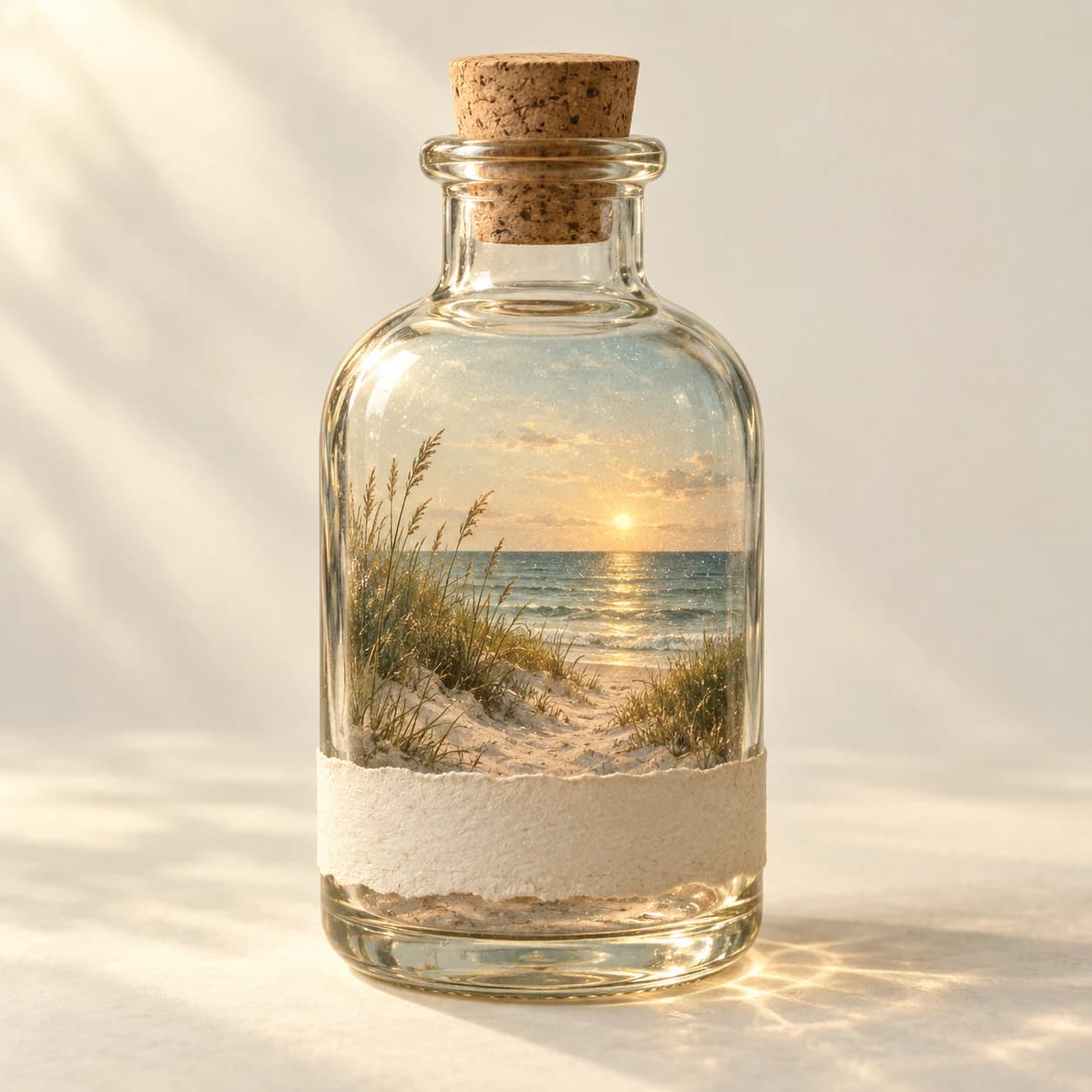
Bottles is a memory journal for iPhone built around a small ritual: photograph a moment, watch it take shape, and seal it inside a glass bottle. Each keepsake brings together a viewable memory, a paper label, the original photograph, and optional ambient sound. The collection grows into a shelf of moments you can return to, with room for the ordinary scenes that are easy to overlook.
A small world.
Entirely yours.
Your photographs, a handwritten label, a little atmosphere. Every bottle becomes a different way to remember.
From a photograph to a keepsake
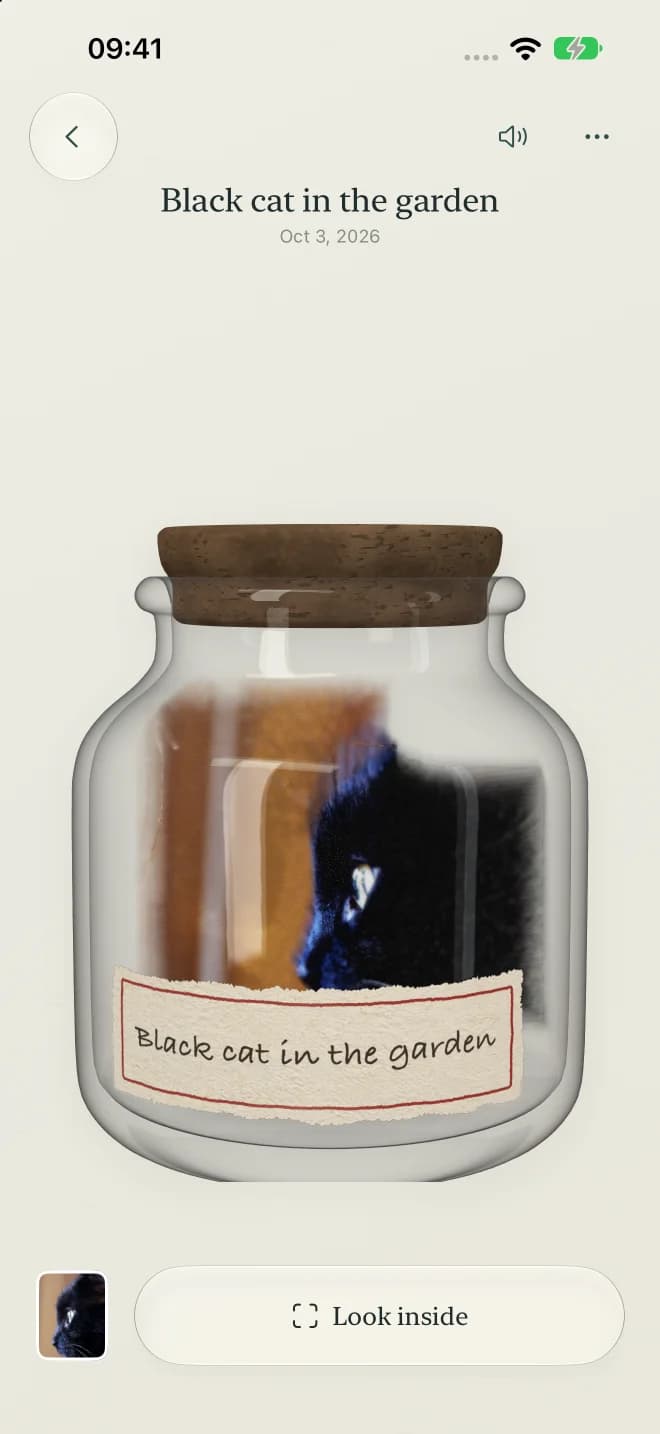
Photo depth processing runs on the iPhone, using the photograph to give the visible scene depth and gentle movement. Inside the bottle, the image becomes a field of colored particles, surrounded by glass, soft light, and a little atmospheric haze. It is a way to revisit the scene from a slightly different angle; the original photograph remains available from the memory's detail screen.
Keep the sound around a moment
A short ambient recording can hold something a photograph misses: the sound of a room, the weather, or the space around you. Ambient sound is optional, and a silent capture works just as well. Add a label, seal the bottle, then reopen it from the shelf to move around the memory, adjust the view, or return to the original image.
A collection that stays close
Saved memories remain available locally when you are offline. When iCloud is available, sealed bottles sync through the private database associated with your Apple Account while Bottles is open. The Apple Vision Pro companion brings the collection into a spatial setting, where a bottle can sit in the room around you. Photograph capture and depth processing stay on iPhone.
From moment to memory.
Capture the moment
Take a photograph in Bottles. Allow the microphone if you want to include ambient sound, or leave it off for a silent keepsake.
Give it a bottle
Wait for the on-device photo depth preview, choose a bottle, and pour the moment inside. Add a paper label and seal it to keep it in your collection.
Return to the shelf
Open a saved bottle to revisit the scene and its sound. Drag and pinch to explore the view, edit its label, or open the original photograph from the detail menu.
A few things to know.
What devices is Bottles designed for?
Bottles captures and processes photographs on iPhone, with iOS 27 or later. Its Apple Vision Pro companion is designed for viewing the collection and placing a bottle in your surrounding space.
Does Bottles turn a photograph into a full 3D scan?
Photo depth adds depth and limited parallax to the visible surface of a photograph. It does not reconstruct unseen backs of objects or measure their real-world scale. The result is a small, viewable memory based on the image you captured.
Do I need to record sound or create an account?
Neither is required to make a memory. Microphone access and ambient sound are optional, and Bottles does not require a separate Bottles account. iCloud sync uses your Apple Account when it is available.
Where are my photographs and memories stored?
Bottles keeps its library in the app's local storage. Sealed memories can also sync through Apple's private CloudKit database for your Apple Account. Photo depth processing happens on the iPhone. The published privacy policy explains iCloud sync, local storage, permissions, and deletion in detail.